· 2 min read
Let VS Code write your Copilot skills for you
VS Code has a built-in /create-skills slash command that generates custom Copilot skills following the official guidelines. Here's how to use it to write better context for your AI coding sessions.
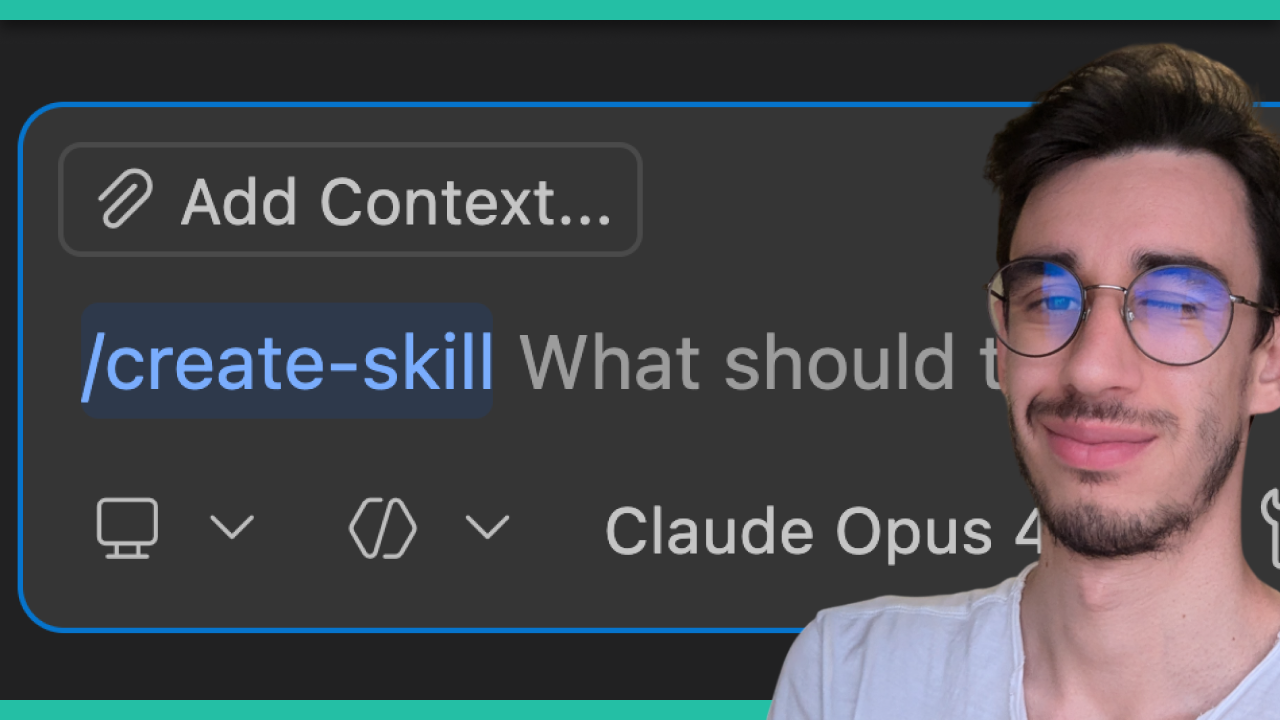
VS Code now has a built-in /create-skills slash command that generates custom Copilot skills for your codebase, and it’s one of the more practical additions to context engineering I’ve come across recently.
The Problem with Context Engineering
Context engineering today is basically writing markdown files, and if you’ve been doing it for a while, you know that the hardest part isn’t just the writing. It’s also about not knowing what structure Copilot or other AI tools will actually pick up correctly. Best practices shift every other week, and it’s easy to end up with context files that feel right but don’t quite land.
How the /create-skills Slash Command Works
The command was written by the Copilot team and follows their own recommended structure, so you can be fairly confident Copilot will pick up the generated skill correctly. It’s not just a generic file template — it’s built around the same guidelines the team uses internally.
Using AI to Generate Better AI Prompts
This is a nice example of a broader pattern: using prompts to create other prompts. That’s super useful when you’re bootstrapping context for a project and don’t want to write everything from scratch. It’s also a practical demonstration of what context engineering looks like when it’s working well.
I walk through the whole thing in the video, if you want to see it in action.

Hello! My name is Leonardo and as you might have noticed, I like to talk about Web Development and Open Source!
I use GitHub every day and my favourite editor is Visual Studio Code... this might influence a little bit my content! :D
If you like what I do, you should have a look at my YouTube Channel!
Let's get in touch, you can find me on the Contact Me page!